So, your Levoit air purifier is showing a red light. Don’t panic! It’s usually not a sign of a major breakdown. Think of it like a little warning signal from your machine, telling you it needs a bit of attention.This guide is here to help you figure out exactly what the Levoit air purifier red light means and what you can do about it, without needing to be an expert. We’ll go through the common reasons, how to fix them and when it might be time to call in the pros.
Key Takeaways
- A red light on your Levoit air purifier often points to filter replacement needs or sensor issues.
- Different light patterns can indicate specific problems, so pay attention to whether it’s solid or blinking.
- Always ensure you’re using the correct replacement filter for your Levoit model and install it properly.
- Cleaning the air quality sensor can resolve many red light alerts, especially if environmental factors are triggering it.
- If basic troubleshooting doesn’t fix the levoit air purifier red light, check your warranty and consider contacting Levoit customer support.
Understanding the Levoit Air Purifier Red Light
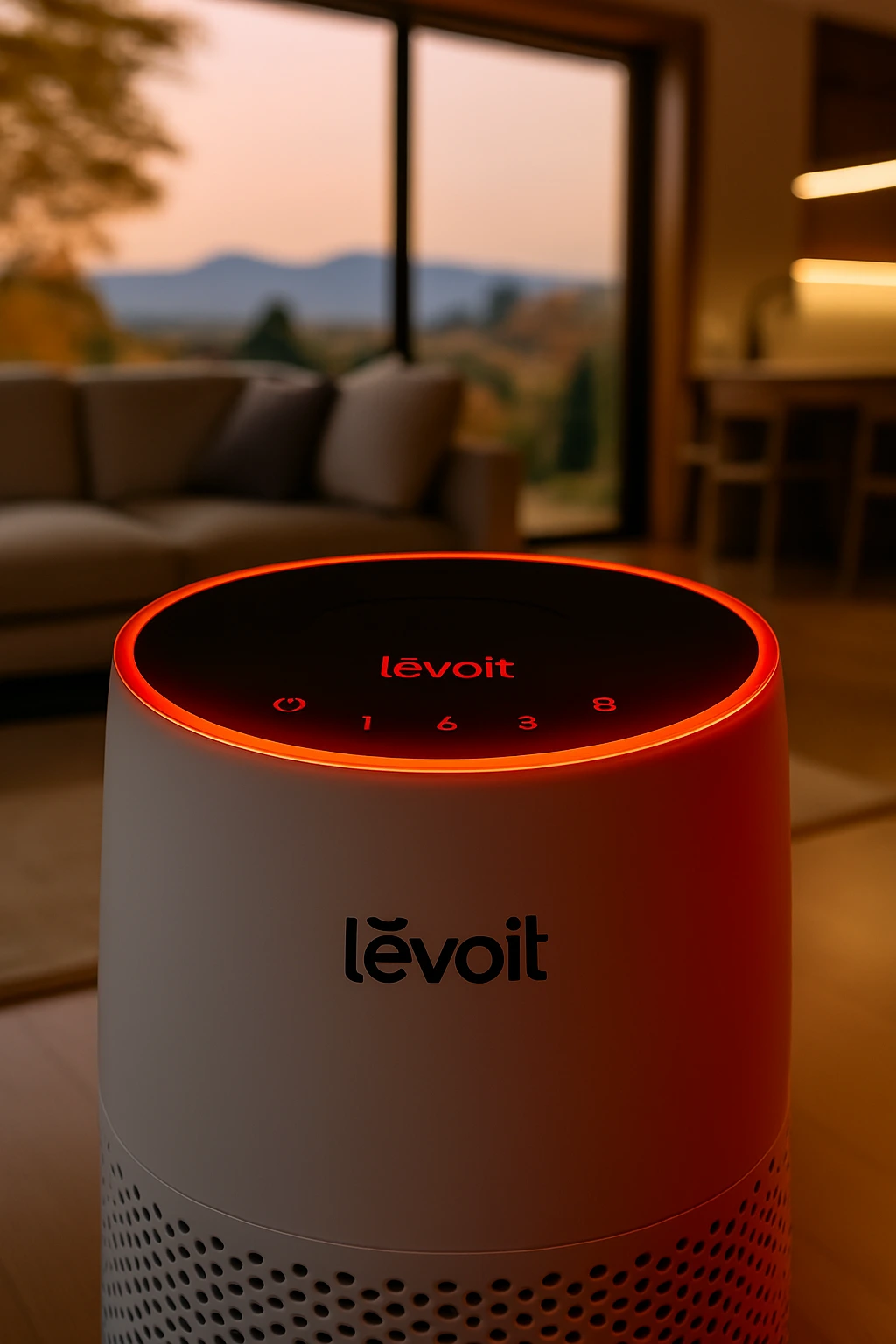
So, your Levoit air purifier is showing a red light. It can be a bit startling, right? Like, “Uh oh, what did I do now?” But honestly, it’s usually not a sign of a major breakdown. Think of it more like your car’s “check engine” light, it’s trying to tell you something specific. Most of the time, it’s something pretty simple to fix, like needing a new filter or maybe the sensor needs a quick wipe.
Common Causes for a Levoit Air Purifier Red Light
There are a few main reasons that little red light decides to show up. It’s Levoit’s way of communicating with you.
- Filter Replacement : This is the big one. Air purifiers have filters that trap all the yucky stuff in the air, and eventually, those filters get full and stop working well. The red light is often just a reminder that it’s time to swap them out.
- Air Quality Sensor Issues : Your purifier has a sensor that monitors the air. If it gets dusty or detects a sudden spike in pollutants (like when you’re cooking something smoky), it might flash red.
- Improper Assembly : Sometimes, if a filter isn’t seated quite right after you’ve changed it, the unit might not register it properly, leading to a red light.
Interpreting Different Red Light Patterns
Not all red lights are created equal. The way it’s lit up can give you clues.
- Solid Red Light : This usually means a filter needs replacing. It’s a steady, consistent signal that the filter’s lifespan is up.
- Blinking Red Light : This can sometimes indicate an air quality alert, meaning the sensor has detected a significant drop in air quality. It might also mean the filter change reminder wasn’t reset properly after a change.
When the Red Light Signals Filter Replacement
This is probably the most frequent reason you’ll see that red light. Your Levoit purifier has a built in timer or sensor that tracks how much work the filters are doing.Over time, the filters in your air purifier become saturated with trapped particles.
This saturation reduces their effectiveness, meaning they can’t purify your air as well as they should. The red light is a proactive alert to prevent you from breathing air that isn’t being purified properly.
When the red light comes on for filter replacement, it’s not just a suggestion; it’s a signal that the filter has reached the end of its useful life and needs to be swapped out for a new one to maintain optimal air purification.
Want To Learn More About Levoit And Their Air Purifier Range
Troubleshooting Filter Related Red Light Issues
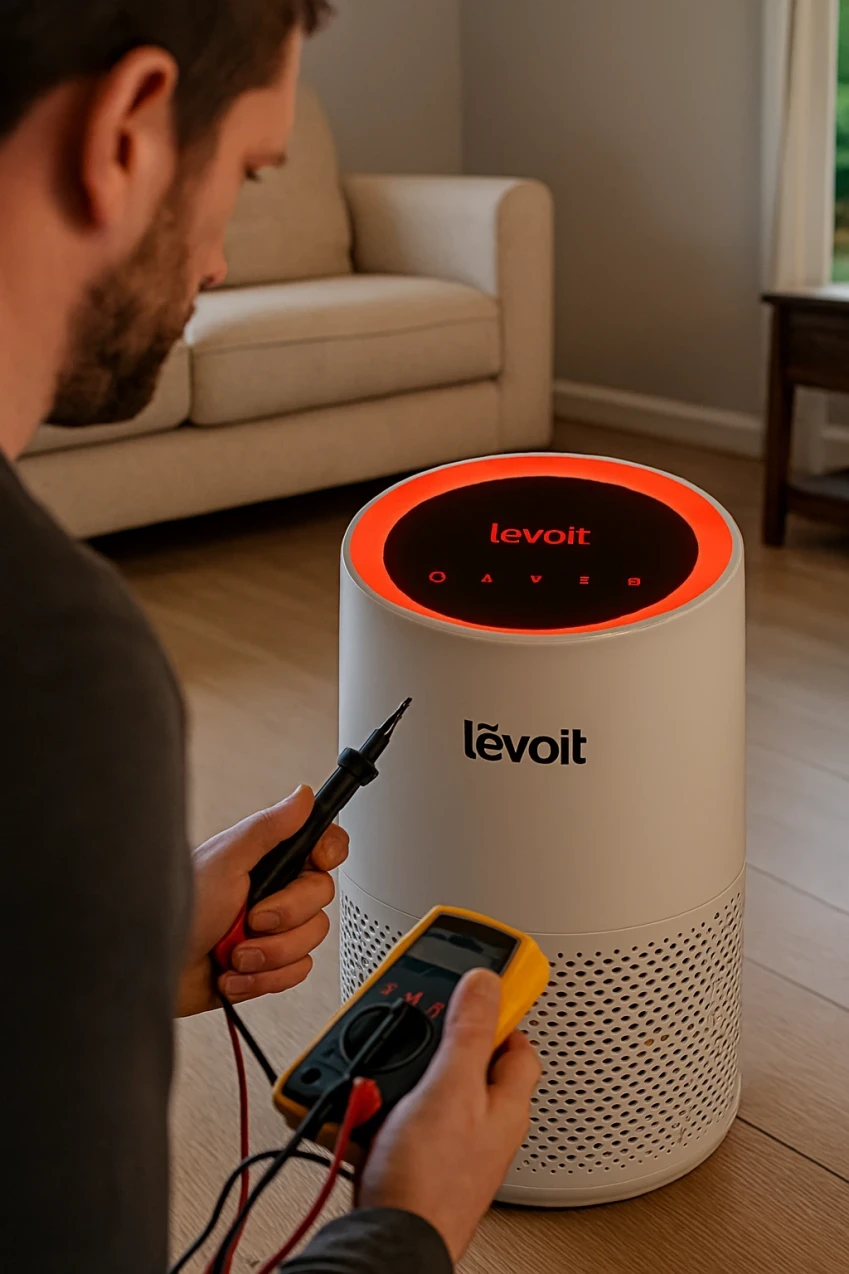
So, your Levoit air purifier is showing a red light, and you’re thinking, ‘What now?’ Most of the time, this little red signal is all about the filters. It’s not usually a sign of a major breakdown, but more like a friendly reminder that something needs attention with the filter system. Let’s break down how to figure out what’s going on and get that light back to normal.
Identifying the Correct Replacement Filter
First things first, you need to make sure you’re using the right filter for your specific Levoit model. Using the wrong one can cause all sorts of problems, including that persistent red light. Check the model number on the back or bottom of your purifier.
Then, look up the exact filter part number recommended in your user manual. Sometimes, people grab a filter that looks similar but isn’t quite right, and that can throw the whole system off.
It’s worth double checking this before you even think about installing anything new. You can usually find a list of compatible filters on the manufacturer’s website if you’ve misplaced your manual.
Proper Filter Installation and Seating
Okay, you’ve got the right filter. Now, how do you put it in? This sounds simple, but it’s a common spot where things go wrong. Make sure you remove any plastic packaging from the new filter, seriously, I’ve seen people forget this step!
Then, orient the filter correctly. Most filters have arrows indicating airflow direction, these need to point the right way into the unit. After placing the filter, gently push it in until it sits snugly. You want it to be flush against the housing, with no gaps. Sometimes, a filter just isn’t seated properly, and the purifier can’t detect it correctly, leading to that red light.
Resetting the Filter Indicator After Replacement
This is a big one. Even if you’ve installed the new filter perfectly, the purifier doesn’t automatically know it’s been changed. You usually have to tell it. This is done by resetting the filter indicator light.
The exact method varies by model, but it often involves pressing and holding a specific button (sometimes labeled ‘Filter Reset’ or similar) for a few seconds after you’ve replaced the filter and turned the unit back on. Check your manual for the precise steps for your Levoit model.
Forgetting this step is probably the most frequent reason the red light stays on after a filter change.It’s important to remember that the red light is a helpful indicator, not necessarily a sign of failure. By systematically checking the filter type, installation, and reset procedure, you can resolve most filter related red light issues yourself.
Addressing Air Quality Sensor Red Light Alerts
Sometimes, that red light isn’t about the filters at all. It might be your Levoit air purifier telling you it’s detecting something off with the air quality, or maybe its sensor requires a little attention. It’s like the purifier’s way of saying, “Hey, something’s may be going on in here!”
Cleaning the Air Quality Sensor
The air quality sensor is basically the nose of your purifier. Over time, dust and other tiny particles can settle on it, making it less sensitive or even causing it to send false alarms. Giving it a gentle scrub can often sort out red light issues that aren’t filter related.
Here’s a simple way to do it:
- Power Down : Always unplug your air purifier before you start puryfing anything. Safety first!
- Locate the Sensor : Check your manual, but usually, the sensor is in a small vent on the side or back of the unit. It often looks like a little window.
- Gentle Wipe : Use a dry, soft cotton swab to carefull, wipe away any dust or debris from the sensor lens. Don’t use any liquids or harsh cleaners, they can damage the sensor.
- Reassemble and Test : Put everything back together, plug it in, and turn it on. See if the red light has gone away.
Understanding Sensor Sensitivity and Triggers
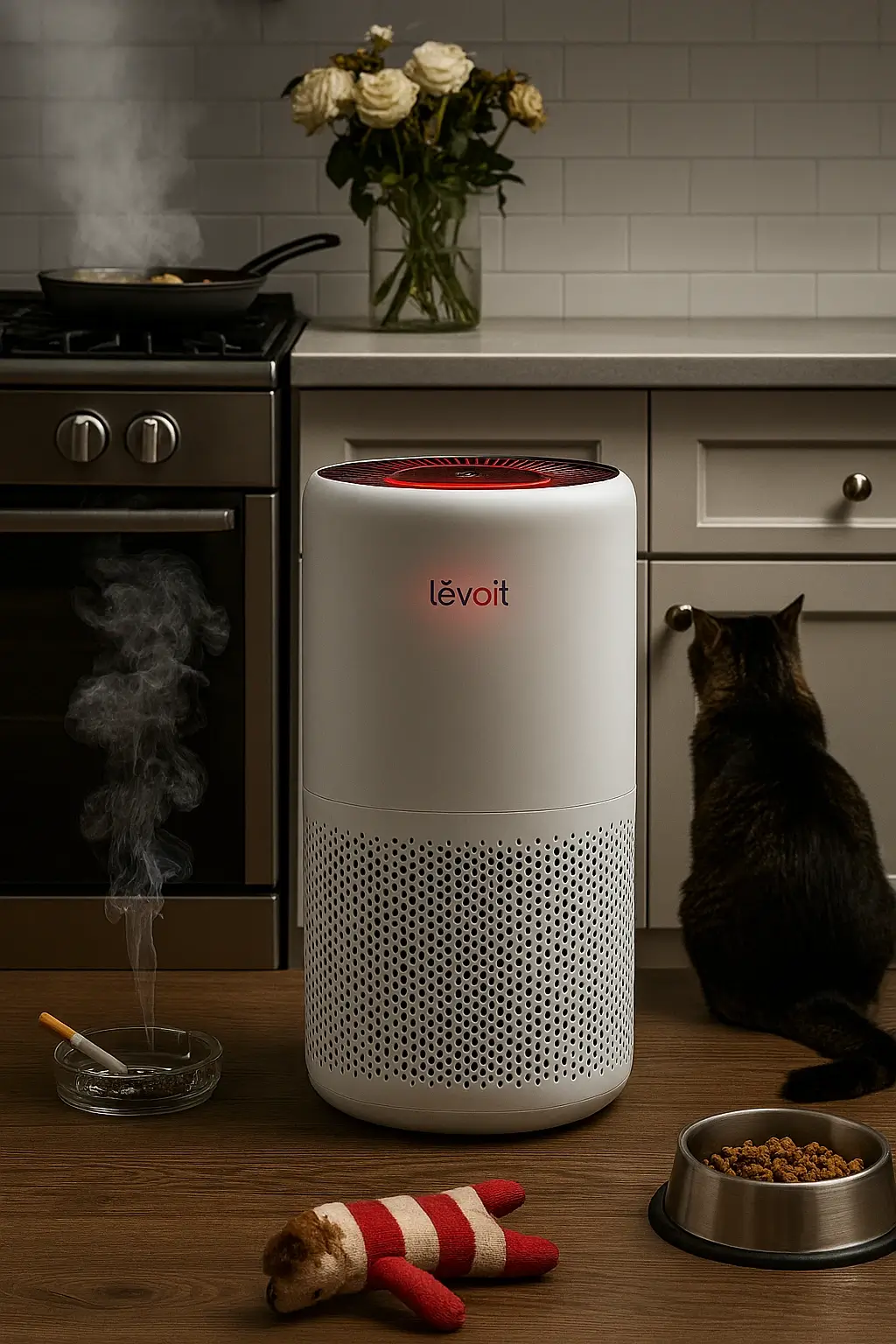
These sensors are designed to pick up on changes in your air. Things like cooking fumes, smoke from a candle, strong perfumes, or even just a lot of dust stirred up can make the sensor react. When it detects a significant change, it might turn red to let you know the air quality has dropped.
- Particulate Matter : Dust, pollen, pet dander, smoke particles.
- Volatile Organic Compounds (VOCs) : Fumes from cleaning products, paints, or air fresheners.
- Odors : Strong smells from cooking or other sources.
It’s normal for the light to change color as the air clears. If it stays red for a long time even after you’ve aired out the room, then it might be time to look closer at the sensor itself or other issues.
Resolving False Positives from Environmental Factors
Sometimes, the purifier might seem overly sensitive. This can happen if you’re doing something that temporarily affects air quality, like:
- Heavy Cooking Especially frying or broiling, can release a lot of smoke and particles.
- Using Aerosol Sprays : Hairspray, air fresheners, or cleaning sprays can trigger the sensor.
- Opening Windows During High Pollen/Pollution : If outdoor air quality is poor, the purifier will react.
- Nearby Construction or Dust : Even if it’s outside your home, dust can get in and affect readings.
If you notice the red light frequently comes on during specific activities, it’s likely just the purifier doing its job. Once the activity stops and the air clears, the light should return to normal. If it doesn’t, or if it’s happening constantly without any obvious cause, then it’s time to investigate further.
Perhaps by cleaning the sensor or checking for other issues.If cleaning the sensor and understanding these triggers don’t solve the problem, you might have to to look into other troubleshooting steps or consider if the sensor itself is malfunctioning.
Advanced Levoit Air Purifier Red Light Solutions
Checking for Blockages and Obstructions
Sometimes, that persistent red light isn’t about filters or sensors at all. It could be something as simple as an object getting in the way of the air intake or outflow. Think of it like trying to breathe through a straw with your finger over the end, not very effective, right?
Your air purifier feels the same way. Dust bunnies, stray socks, or even just a piece of paper too close to the unit can restrict airflow. This blockage can cause the motor to work harder, potentially triggering an alert. Always do a quick visual check around the entire unit, top to bottom, before diving into more complex troubleshooting.
Here’s a quick checklist:
- Air Intake Vents : These are usually on the sides or back. Make sure nothing is pushed up against them.
- Air Outlet Grille : Typically on the top or front. Ensure it’s clear for air to escape freely.
- Internal Fan Area : If you can safely access it (after unplugging, of course), check for any larger debris that might have found its way inside.
Performing a System Power Cycle
This is the air purifier equivalent of telling your computer to “turn it off and on again.” It’s a surprisingly effective way to clear out temporary glitches or software hiccups that might be causing the red light to appear erroneously. It gives the internal systems a chance to reset and start fresh.
Here’s how to do it:
- Unplug the unit : Make sure it’s completely disconnected from the power source.
- Wait : Give it at least 60 seconds. This allows any residual power to dissipate.
- Press and hold the power button : While unplugged, press and hold the power button for about 15-20 seconds. This helps discharge any remaining electrical charge.
- Plug it back in : Connect the power cord to the outlet.
- Turn it on : Power the unit back up and see if the red light has disappeared.
Investigating Potential Internal Malfunctions
If you’ve tried everything else, checked filters, cleaned sensors, cleared obstructions, and performed a power cycle and that red light is still stubbornly glowing, it might be time to consider that something internal has gone awry.
This is less common, but it can happen. It could be a faulty fan motor, a problem with the main circuit board, or a sensor that has completely failed. These issues are usually beyond the scope of simple home fixes.
Don’t try to open up the unit yourself to fix internal components unless you are experienced with electronics. You could void your warranty or, worse, injure yourself. It’s usually at this point that you’ll need to think about professional help or warranty claims.
Preventive Maintenance for Your Levoit Purifier
| Filter Stage | Routine Care | Standard Replacement | Heavy-Use Adjustment | Signs It’s Due |
|---|---|---|---|---|
| Pre-filter (mesh) | Vacuum gently | Clean every 1–3 months | Monthly if pets, smoke, or high dust | Visible dust buildup, reduced airflow |
| Activated Carbon | Replace only (do not wash) | Every 3–6 months | Every ~3 months with strong odors or smoke | Odors linger, VOC sensitivity persists |
| True HEPA | Replace only (do not wash) | Every 6–12 months | Closer to 6 months with high pollution or 24/7 use | Airflow drop, more dust, red filter indicator |
Keeping your Levoit air purifier running smoothly isn’t just about fixing problems when they pop up, it’s also about doing a little bit of regular upkeep. Think of it like taking care of a car a bit of attention, now can save you a headache later. Consistent maintenance helps your purifier do its job better and can even make it last longer.
Regular Cleaning of the Unit Exterior
Dust and grime can build up on the outside of your purifier, which isn’t just unsightly. It can also get into the vents and potentially affect how well the unit works. A simple wipe on most occasions is all that’s required.
Grab a soft, slightly damp cloth and give the casing a good clean. Make sure the unit is unplugged before you start, of course. For those hard to reach spots or any stubborn marks, a dry microfiber cloth can work wonders.
Adhering to Filter Replacement Schedules
This is probably the most important part of keeping your purifier effective. The filters are what actually trap all the gunk in the air, and they can only do that for so long. Over time, they get clogged up and can’t capture new particles.
Plus, a really dirty filter can make your purifier work harder than it needs to, using more energy and potentially causing strain on the motor. Most Levoit models have an indicator light that tells you when it’s timescheduled for a change, but it’s also good to know the general timeframe.
For many, this is somewhere between 6 to 12 months, but it really depends on your specific model and how much you use it. If you have pets, live in a dusty area, or deal with a lot of allergens, you might need to swap them out more often. Checking your user manual is the best way to know for sure.
Here’s a quick look at why timely filter changes matter:
- Better Air Quality : New filters mean your purifier is still capturing dust, pollen, and other tiny particles effectively.
- Longer Purifier Life : Reducing the strain on the unit by using clean filters can help it last longer.
- Energy Savings : A clean filter lets the air flow freely, so the purifier doesn’t have to work as hard, saving electricity.
Ensuring Optimal Unit Placement
Where you put your air purifier actually makes a difference. You want to make sure air can get into the unit easily and then flow out without being blocked. Avoid shoving it into a tight corner or right up against furniture.
Also, keep it away from anything that could block the air intake vents, like curtains or large objects. If you’re using it in a kitchen or bathroom, be mindful of moisture. While Levoit purifiers are designed for indoor use, excessive humidity isn’t ideal for any electronic device. Generally, giving it a bit of breathing room on all sides is the best approach.
Proper placement ensures that the air intake and output aren’t obstructed, allowing for maximum air circulation and purification efficiency. It also helps prevent unnecessary strain on the fan motor.
When to Seek Professional Assistance
Sometimes, even after trying all the usual fixes, that red light just won’t quit. It’s frustrating, I know. You’ve cleaned the sensors, you’ve replaced the filters, you’ve even tried unplugging the whole thing for a while. If your Levoit air purifier is still acting up, it might be best to call in the cavalry.
Recognizing Persistent Red Light Issues
If you’ve gone through the troubleshooting steps and the red light remains stubbornly lit, it’s a sign that the problem might be a bit more complex than a simple filter change or a dirty sensor.
Persistent issues could point to internal component failures or more significant malfunctions that aren’t easily fixed at home. Don’t keep banging your head against the wall if the basic solutions aren’t working.
Here are a few indicators that it’s the point to consider professional help:
- The red light stays on even after replacing the filter and resetting the indicator.
- The unit makes unusual noises, like grinding or clicking, that weren’t there before.
- The air purifier stops working altogether, or its performance is drastically reduced, despite no obvious external causes.
- Multiple troubleshooting steps have been attempted without any change in the red light status.
It’s easy to get caught up in trying to fix things yourself, especially when you’ve invested in a product. However, sometimes pushing too hard can cause more damage. Knowing when to step back and seek expert advice is a sign of smart problem solving, not failure.
Understanding Warranty Coverage
Before you spend money on repairs or a new unit, check if your Levoit air purifier is still under warranty. Most manufacturers offer a warranty period that covers defects in materials and workmanship.
If your unit is within this period and the issue isn’t due to misuse or accidental damage, Levoit might repair or replace it for free. It’s always worth checking the documentation that came with your purifier or visiting the Levoit website for warranty details specific to your model. Keep your proof of purchase handy, as you’ll likely need it.
Contacting Levoit Customer Support
If your unit is out of warranty, or if you’re unsure about the warranty status, your next best step is to reach out to Levoit’s customer support. They have trained technicians who can guide you through more advanced troubleshooting steps or advise you on repair options.
You can usually find their contact information on the Levoit website. Be prepared to provide your air purifier’s model number and a detailed description of the problem, including when the red light started and what troubleshooting steps you’ve already taken. This will help them assist you more efficiently.
Wrapping Up: Keeping Your Levoit Purifier Happy
So, that red light on your Levoit air purifier doesn’t have to be a mystery anymore. We’ve gone through the common reasons, from simple filter changes to making sure everything’s put back together right.
Most of the time, a little bit of maintenance, like swapping out those filters when they’re used up or giving the unit a quick clean, will sort things out. Just remember to check your manual if you’re unsure about a specific step.
Keeping up with this basic care means your purifier can keep doing its job, cleaning the air in your home. If you’ve tried everything and that red light is still stubbornly on, it might be necessary to give Levoit a call. They can assist to figure out if something more serious is going on.
Frequently Asked Questions
A red light on your Levoit air purifier often signals that it’s time to change the filter. Think of it like a reminder light for your machine’s ‘lungs’ – they need to be swapped out to keep cleaning the air effectively. Sometimes, it can also mean the air quality sensor needs a little attention or cleaning.
Always check your air purifier’s model number, which is usually on the back or bottom of the unit. Then, look for filters specifically made for that exact Levoit model. Using the wrong filter might not function well or could even cause problems.
Don’t worry, this happens! Most of the time, you just need to reset the filter indicator. Usually, you do this by pressing and holding a specific button (often the ‘Filter’ or ‘Reset’ button) for a few seconds after changing the filter. Check your purifier’s manual for the exact steps for your model.
Yes, you can! If your red light is related to the air quality sensor, you can often clean it gently. First, unplug the purifier. Then, use a soft, dry cloth or a cotton swab to carefully wipe away any dust or debris from the sensor area. Be certain it’s fully dry before reconnecting the power.
The frequency depends on your specific Levoit model and how much you use the purifier. Generally, you’ll need to replace the filters every 6 to 12 months. Your air purifier’s indicator light will tell you when it’s time, but it’s good to know the general timeframe too.
If you’ve tried changing the filter, resetting the indicator, and cleaning the sensor, but the red light just won’t go away, it might be time to get some expert help. You can reach out to Levoit’s customer support. They can help you figure out if there’s a bigger problem or if your unit is still under warranty.